Increase Orders with Professional Delivery Menu Photography
Summary Highlights
Upgrade your DoorDash/Uber Eats menu with professional food photos to increase orders by 25–35%. Learn how Voosh’s tools optimize and track results.
High-Impact Menu Photography for Delivery Apps
High-quality menu photos are a restaurant’s silent salesmen. On delivery platforms, a mouth-watering image is the first thing a customer sees – and it can make or break a sale. Industry data show that restaurants with professional food photos on their delivery menus see 25-35% higher conversions and up to 35% more orders compared to those with bland or no pictures. In other words, great visuals are no longer a nice-to-have; they’re a must-have. This article explains why better menu photos drive results on DoorDash, Uber Eats, Grubhub, and other third-party platforms, and provides actionable tips to upgrade your delivery menu images for maximum orders.
Why Menu Photos Matter for Delivery Sales
When someone scrolls through a food app, they judge your restaurant by your images. Studies find customers consider food photos 1.4x more important than menu descriptions. In practice, a dark or blurry photo can cause a customer to swipe past, while a bright, appetizing image can trigger an immediate order. Delivery apps themselves reward listings with photos: Grubhub data shows adding images can boost orders by around 30%, and items with pictures can see up to 70% more orders and 65% higher sales than text-only listings. Similarly, DoorDash reports menu items with photos get up to 44% more sales.
Good images do more than look nice, they build confidence. When customers see a clear photo of your dish (plate or container as delivered), they know what to expect. This reduces uncertainty and perceived risk. High-quality photos also help your restaurant stand out among competitors. Many operators still use poor smartphone snapshots, so simply improving lighting and consistency can put you ahead in search results. In fact, Voosh data shows that listings with complete, high-res images get more clicks and higher conversion, which also helps boost your ranking in the app search results.
Key Stats: How Better Photos Drive More Orders
- +35% Orders: A large survey of restaurants found that upgrading to professional food photos led to a 35% increase in orders on delivery apps.
- +25% Conversion: Studies (e.g. by Snappr) show menu conversion jumps over 25% when images are added.
- Platform Gains: Grubhub reports food photos can drive 30% more orders; DoorDash says photos can yield 44% more monthly sales. Even adding a simple logo image lifted sales by 23%.
- Customer Focus: 46% of Gen Z users say menu images directly influence their ordering decisions.
These figures show one thing clearly: investing in visuals pays off quickly. Even a basic “photo fix” (like consistent lighting and full coverage of the menu) can often recoup its cost within weeks through higher order volume.
How to Take Winning Delivery Menu Photos
Here are proven tips to make your photos more appetizing and effective (learned from industry studies and expert guides):
1. Fill the Frame with Food: Don’t leave empty space. Zoom in so the dish (or at least 70-80% of it) fills the photo. Customers should instantly see “that’s what I’ll get.”
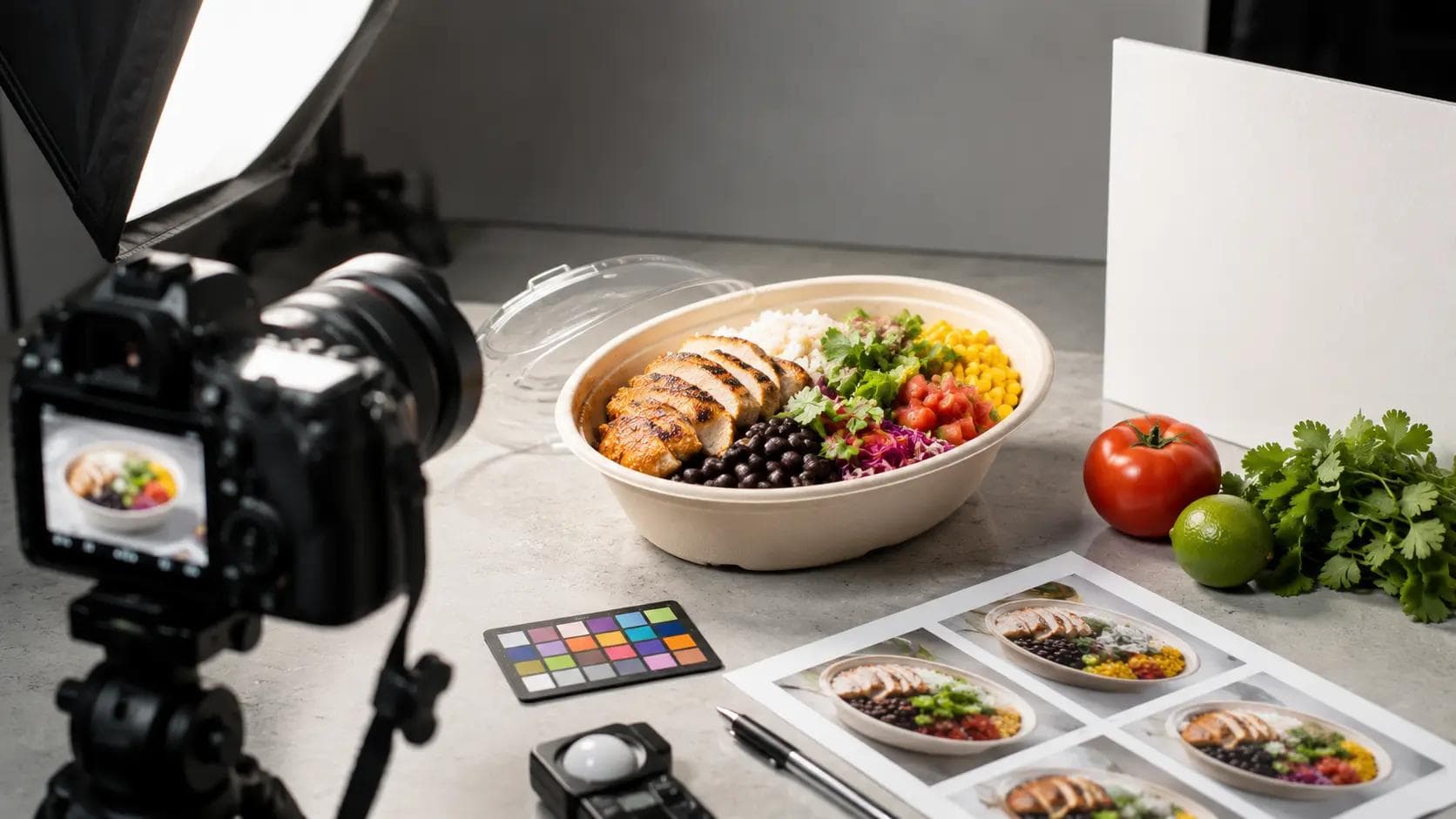
2. Use Bright, Even Lighting: Natural light works best. Avoid harsh shadows or colored lighting. Bright, evenly lit photos make dishes look fresh and highlight every ingredient.
3. Accurate Portions & Packaging: Photograph dishes in the actual container you use for delivery. Show true portion sizes (no giant extra fries just to look fuller) so customers trust that what they see is what arrives.
4. Clean, Simple Backgrounds: Use a neutral (white/gray/light wood) surface. Busy backgrounds distract and look cluttered at thumbnail size. The focus should be on the food alone.
5. Highlight Key Ingredients: If a burger has bacon or a salad has avocado, arrange so customers can see them. Feature anything that makes the dish special.
6. Consistent Style: Use similar plates, lighting, and angles for all dishes. This builds a coherent “brand look” and reassures customers your menu is polished. Inconsistent photo quality makes an incomplete impression.
7. Test the Thumbnail: Before finalizing, shrink each photo down to thumbnail size. If the dish still looks appealing and recognizable in a tiny square, you’re done. If not, tweak cropping or composition.
For example: Many restaurants see a quick win by simply re-shooting with these tips. Platora’s guide notes that restaurants that fixed their lighting and framing often realized immediate increases in order rates.
Optimize for Each Platform
Remember: different apps have different image specs. A photo perfectly cropped for DoorDash (16:9 ratio) might look odd on Uber Eats (5:4). To cover all bases: take photos with ample “breathing room” around the dish, then export multiple crops (Voosh’s AI tools can automate this). Always use the highest recommended resolution (usually 2,000-3,000px) and JPEG/PNG format. Complying with the platform rules is key – DoorDash even rejects photos that are blurry or misframed.
Measure the Impact (with Voosh)
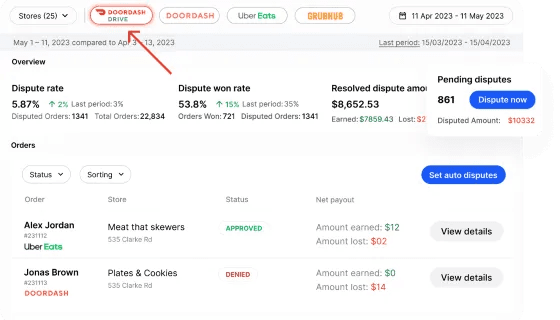
Once you update your photos, use Voosh to track the results. Our Delivery Analytics Dashboard can show item-level sales before/after the change. For example, if you boost “Famous Burger” photo, you can see if its click-through and orders climb next day. Over time, Voosh’s intelligence will confirm which images drove the biggest gains, so you can refine further. We’ve found operators recoup a 2-hour shoot’s cost in new orders within a week when photos are improved.
Looking for more? See our guide on delivery menu engineering and on improving delivery ranking for related tactics that complement great photos.
Conclusion & Next Steps
In the competitive world of third-party delivery, your menu photos are a revenue lever. Investing in clear, attractive images on DoorDash, Uber Eats, Grubhub and others can boost orders by 25-35%. The improvements are data-driven: better photos lead to more clicks, higher conversion, and ultimately more sales (and profits). Once your images are great, Voosh’s unified platform helps you turn that increased interest into confirmed orders through faster operations and better order management.
Ready to boost your delivery business? Book a Voosh demo today and see how our platform can help you implement these tips at scale and track the results.